

Why Answering Every Call Matters for Your Shipping or Mailbox Center
Walk into any busy shipping or mailbox center during peak season, and you'll hear the same frustration: a phone ringing unanswered while staff handle the counter rush, or customers put on hold long enough to hang up and try the competitor down the street. Every unanswered call at your counter is a customer with a question—a hold time, a rate, a 'are you open Saturday?'—who may just call the next place down the street. That leakage compounds during the very weeks revenue matters most. Whether applied through an AI system or staff training, the right call-handling approach addresses these exact gaps.
The same routing practices that big call centers use—matching callers to the right person, flagging urgent calls first, tracking what works—deliver real payoff for small operations too. When an AI receptionist is set up with these routing principles instead of default settings, it does the work faster. Call abandonment drops by half. Hold times shrink. Urgent calls reach the right person immediately. The cost of inaction shows up every quarter, but the payback period for proper implementation runs just 6-12 months.
October sits at the heart of most small-business budget cycles, making Q4 2026 the ideal planning window for Q1 2027 rollout and the following year's peak season. The businesses that map these practices to their AI receptionist settings now will answer every call when it counts.
Three Core Principles to Configure Now
The International Customer Management Institute publishes call center standards that most small service businesses have never heard of—but these same rules, built into your AI receptionist settings, solve the pain points that cost you customers every week. Here's how to configure three core principles today, with examples from HVAC, plumbing, and electrical service calls.
Skills-Based Routing: Stop the Transfers
The principle: match each caller to the team member best equipped to help, immediately. In your AI receptionist, this means tagging skill categories—billing, emergency service, new installation quotes—and routing calls to the right person or department without a transfer. An HVAC company might configure three categories: urgent repair (no heat/AC), maintenance scheduling, and billing. When a homeowner calls at midnight because the furnace died, the AI routes the call straight to the on-call tech, not the billing clerk's voicemail. This solves: no more missed emergency calls because the wrong phone rang.
Call Prioritization: Urgent Calls First
The principle: triage inbound volume by urgency and customer value. In configuration, set priority rules that flag emergency keywords ("no hot water," "gas smell," "breaker tripped"), repeat callers within 24 hours, or VIP accounts, and route them ahead of general inquiries. A plumbing service tags "leak" and "flood" as instant-priority; those calls jump the queue even during high-volume morning hours. This solves: long hold times for urgent issues disappear.
Quality Monitoring Metrics: Track What Works
The principle: measure baseline performance and improve week over week. In practice, enable call analytics in your platform—answer rate, average speed to answer, abandonment rate—and review them weekly. An electrical contractor might discover that Tuesday mornings see twice the abandon rate; shifting staff coverage fixes it. This solves: customer frustration with unanswered calls becomes visible, and fixable.
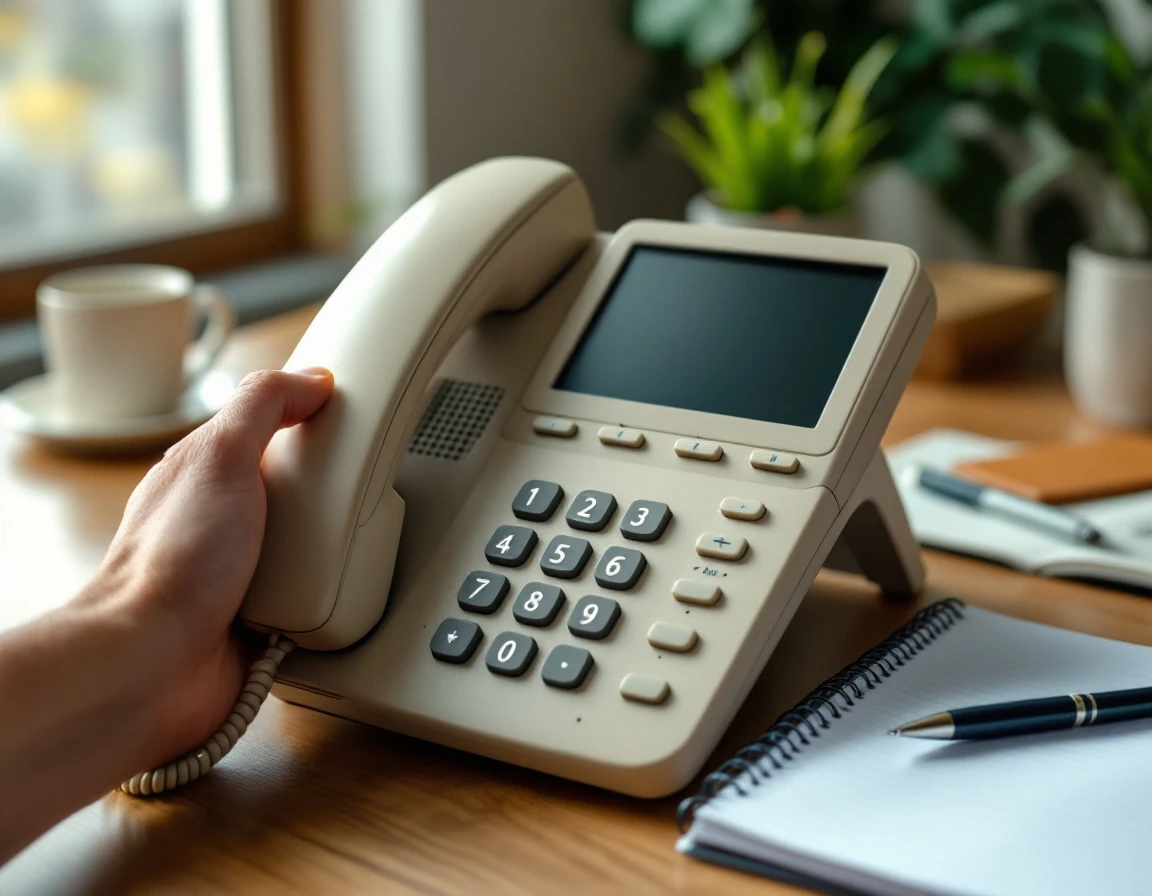
Skills-Based Routing Setup
Start by defining skill tags inside your AI receptionist dashboard. Create categories that match the work your team does: emergency dispatch, new customer inquiry, follow-up or warranty. And billing. Each tag corresponds to a different expertise or urgency level.
Next, assign team members to those categories. Your on-call technician gets tagged for emergency dispatch; your estimator handles new quote requests; billing questions go to the admin who knows QuickBooks. The AI now has a routing map.
Configure the receptionist to collect caller intent early. When a homeowner says "burst pipe," the AI tags the call as emergency and routes directly to the on-call tech—no hold music, no transfer shuffle. This single qualification step cuts transfer time and gets help moving faster.
Call Prioritization and Escalation
Not every call is equal. A customer phoning to confirm Saturday hours can wait; someone reporting a burst pipe or electrical fire cannot. Call center prioritization standards teach contact centers to identify urgent scenarios and high-value callers, then route them ahead of the queue. The same logic applies to your AI receptionist through keyword detection and VIP caller lists.
Start by programming emergency keyword triggers: "flooding," "fire," "injury," "no power," "gas leak." When the AI detects this language, it skips the queue and connects the caller immediately—or pages the on-call technician if all lines are busy. This one rule prevents catastrophic delays when seconds matter.
Next, create a VIP caller list flagging your best customers, property managers who refer repeat work, or accounts with active service agreements. The AI recognizes the inbound number and moves them ahead of first-time callers. Set escalation thresholds, too: if any caller waits longer than three minutes, the system offers a scheduled callback or routes to a supervisor. Effective call routing strategies like this cut average wait time for urgent calls and keep high-value relationships intact when the phone board lights up during peak season.
Audit Your Current Call Handling
Before you configure any routing rules or priority queues, you need a clear picture of what's happening today. Set aside two hours this week to run a baseline audit. Start by mapping your most common call types—emergency service requests, quote inquiries, callback confirmations, billing questions, and complaints—and write down where each one goes right now. Does the emergency call reach a technician immediately, or does it sit in a general voicemail? Does the quote request get routed to the person who writes estimates, or does it bounce through three transfers first?
Next, track one week of real call data: wait time from ring to answer, hold duration, number of transfers per call, and abandonment rate. Use a simple spreadsheet with columns for call type, routing destination, wait time, transfers, and outcome—completed, abandoned, or callback scheduled. This snapshot becomes your before measurement, the baseline against which you'll calculate return on investment in 30, 60, and 90 days.
Finally, identify your single biggest pain point. Is it missed calls during lunch rush? Customers abandoning after two minutes on hold? Frustration over being transferred twice to reach the right person? That pain point is where your AI receptionist configuration should start.
Measure ROI in 30-90 Days
The audit you just completed gave you baseline numbers—hold times, abandonment rate, and the rough count of calls your team couldn't answer. Now you can prove what the technology is worth. Start by tracking hold time reduction week over week. By day 30, you should see callers moving through the queue faster than they did during your audit week. If callers waited an average of two minutes before, you're targeting under a minute by the end of month one.
Next, watch your call abandonment rate—the percentage of callers who hang up before reaching a human or leaving a message. Your goal is to reduce this leakage within the next two months. Every caller who disconnects represents a lost opportunity, so improving this metric affects your bottom line.
Calculate your payback period with a simple formula: divide your AI receptionist's monthly cost by the sum of staff time saved plus revenue recovered from fewer missed calls. For example, if your receptionist costs $200 per month, your team saves 10 hours at $25 per hour, and you recover 10 missed calls per week at $500 average job value (that's $2,000 per month), your monthly savings total $2,250—a payback period of less than one month. Mature call centers, following contact center management best practices. Achieve 85-95% call completion on first contact; you now have a target to measure against and the data to know when you've arrived.

Next Steps for Q4 2026 Planning
Start your call handling audit this week—map your call types, track wait times for seven days, and identify your biggest pain point. The timing matters: implementing these three principles by mid-November gives you six to eight weeks to test and refine routing rules before Q1 2027 peak season arrives. That buffer period lets you catch configuration gaps when the phones are still manageable, not during the January rush.
Configure skills-based routing, call prioritization, and quality monitoring in your AI receptionist now. Your implementation checklist includes:
- Assign skill tags to your team
- Set keyword detection for emergencies
- Enable call recording with proper consent prompts
Schedule a thirty-day review in mid-December. Measure your hold time reduction and abandonment rate against the baseline you captured this month. Use that real call data to adjust routing rules, refine priority keywords, and confirm you're ready for the year ahead.